 UpLift Me
Not a feature list. A system that pays attention.
Every part of UpLift Me exists to answer one question: are you actually becoming who you're trying to be? Here's how it works, one piece at a time.
Turning "I want to get fit" into something you can actually track
Most goal apps hand you a blank form and expect you to know exactly what fields, targets, and check-ins you need. Most people don't — they just have a vague sense of what they want.
Describe your goal in a sentence — "I want to exercise every morning for 30 minutes" — and UpLift Me suggests the specific fields worth tracking, sensible targets, and a check-in rhythm. You can accept, adjust, or ignore every suggestion.
You start tracking in under two minutes, with a setup that already fits your actual goal instead of a generic template.
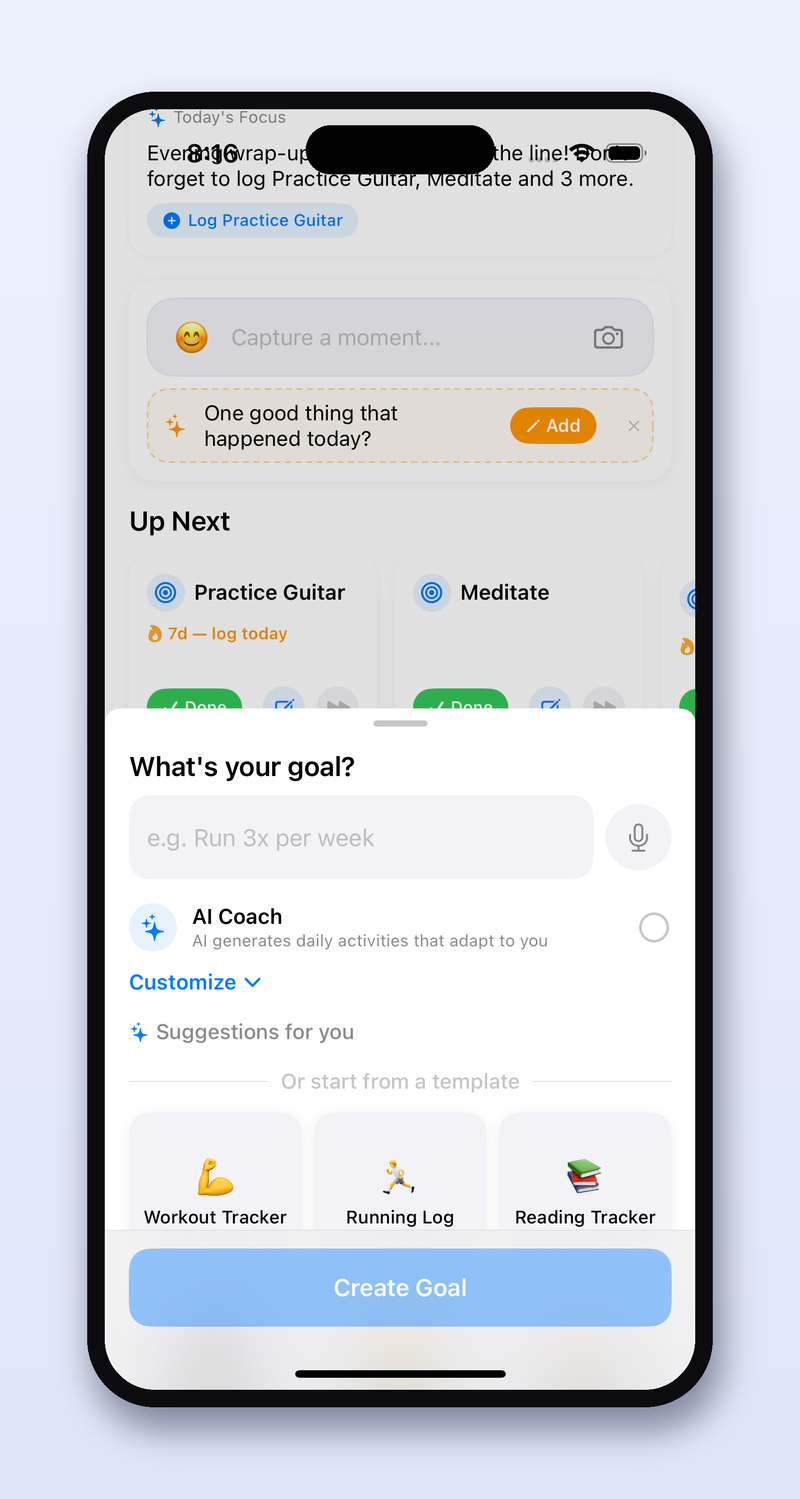
An honest answer to "am I actually on track?"
A streak number tells you how many days in a row — it says nothing about whether your current pace will actually get you to your goal by the date you set.
Goal Health looks at your recent trend against your target and timeline, and gives you a plain-language read — on track, slipping, or ahead — along with the specific number behind that read, like how much of a gap remains and how many weeks you have left to close it.
You know where you actually stand, instead of feeling good about a streak that might not be enough.
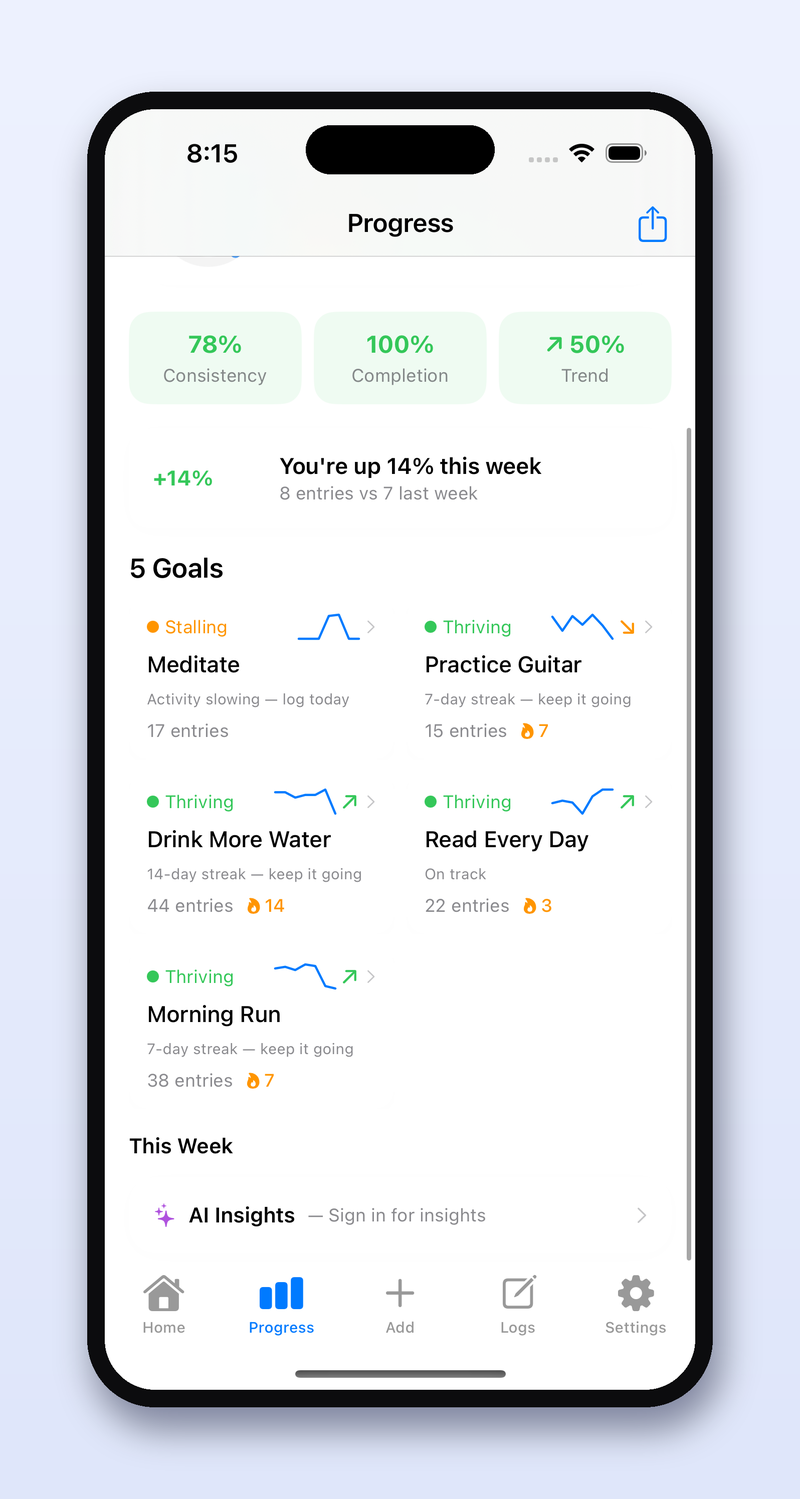
A morning nudge that actually knows what happened yesterday
"Don't forget to log your habit!" is a notification, not coaching. It's the same message whether you had your best week ever or your worst.
Each morning, UpLift Me reads your recent logs — your streak, your focus, what you did well, where you slipped — and writes a short, specific note that references your actual data. No two nudges read the same, because no two weeks look the same.
You open the app to something that feels like it was written by someone who's actually paying attention — because, in a sense, it was.
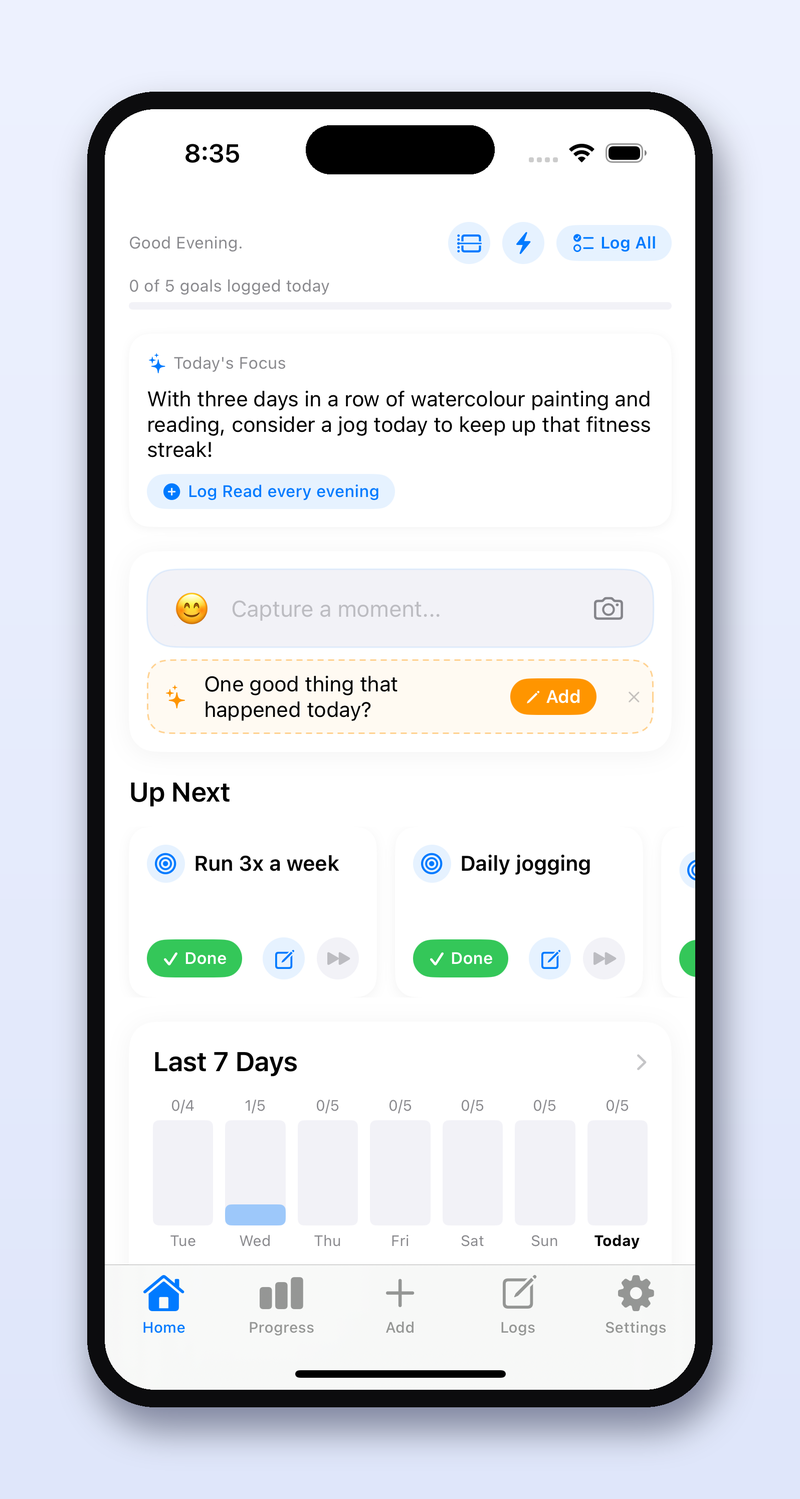
The Sunday reset, done for you
Reflection is one of the most reliable ways to actually improve — and one of the easiest habits to skip when the week gets busy.
Every week, UpLift Me writes a summary of what actually happened: your strongest day, where things dipped, and the one pattern most worth noticing — already written, waiting for you, instead of a blank page you have to fill in yourself.
You get the benefit of weekly reflection without needing the discipline to sit down and do it from scratch.
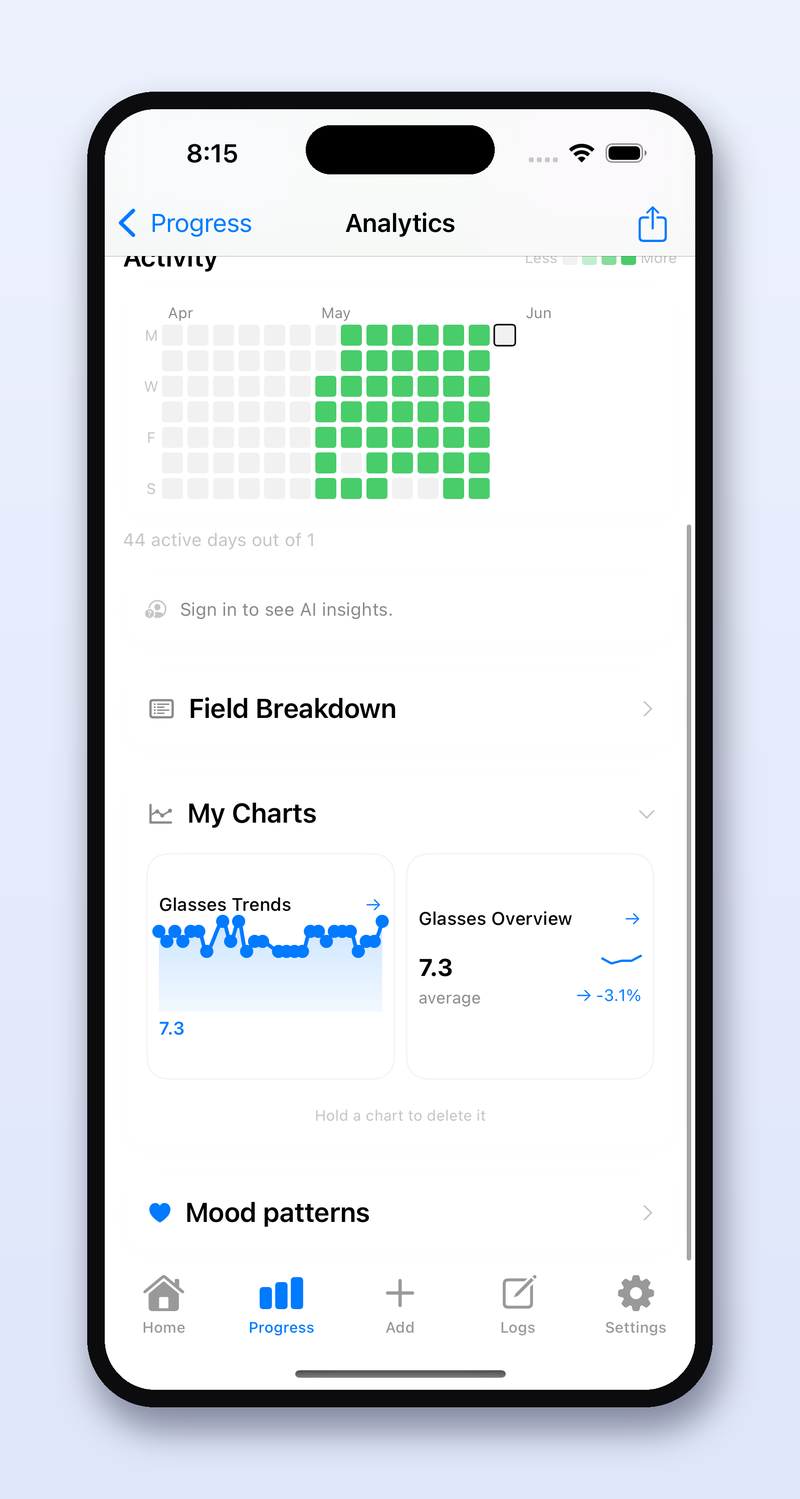
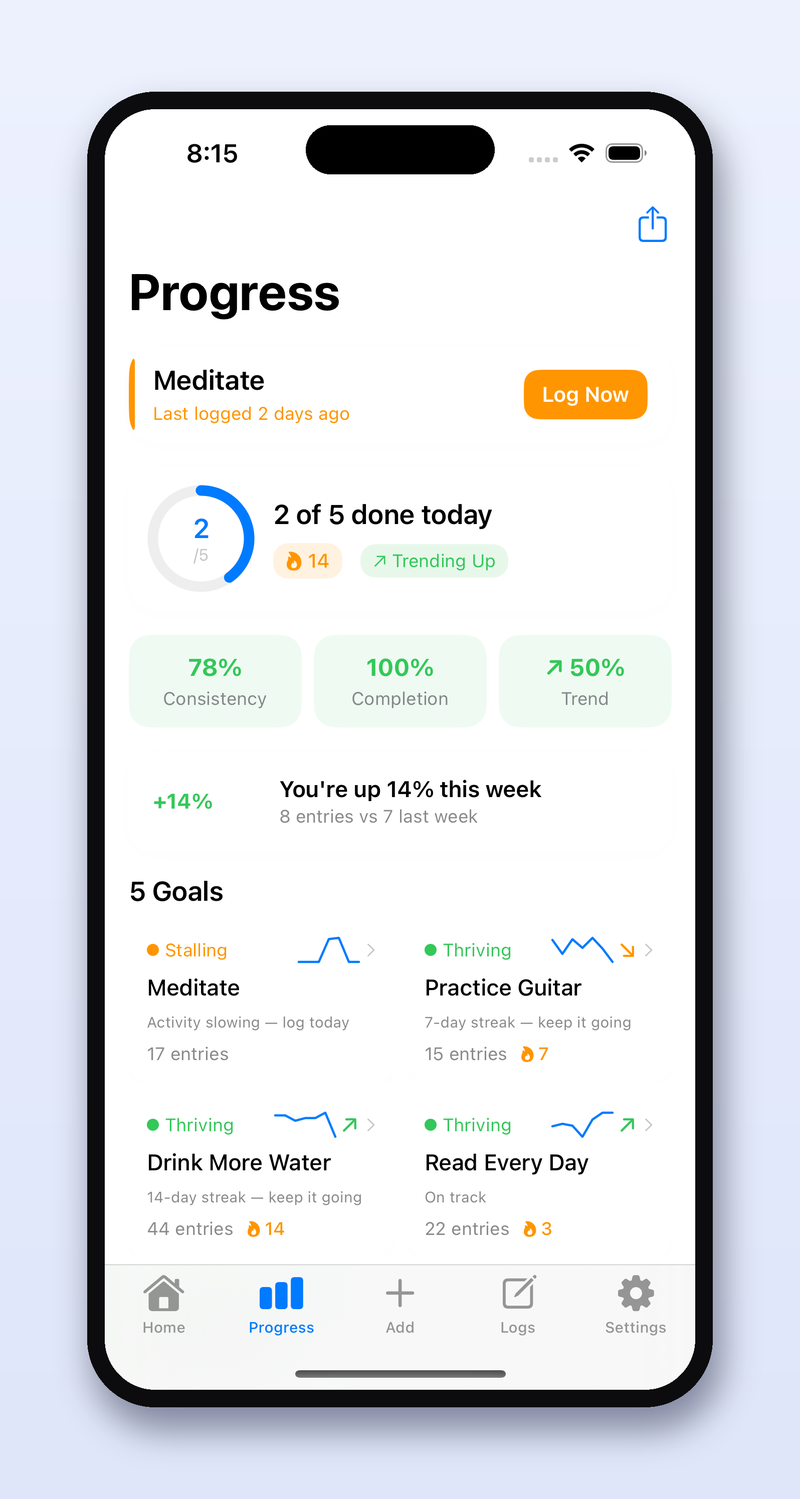
A dashboard that shows you your own patterns
Most tracking apps store your data but never show it back to you in a way that reveals anything. You log for months and still can't answer "when am I actually most consistent?"
UpLift Me chooses the right chart for each field you track — a streak view for daily check-ins, a trend line for things that vary day to day — and surfaces a short written insight alongside it, so the chart isn't left for you to interpret alone.
You start noticing things about your own behavior — your best day of the week, what tends to precede a slip — that you'd never have spotted from raw data alone.
A tracker that changes shape as your goal does
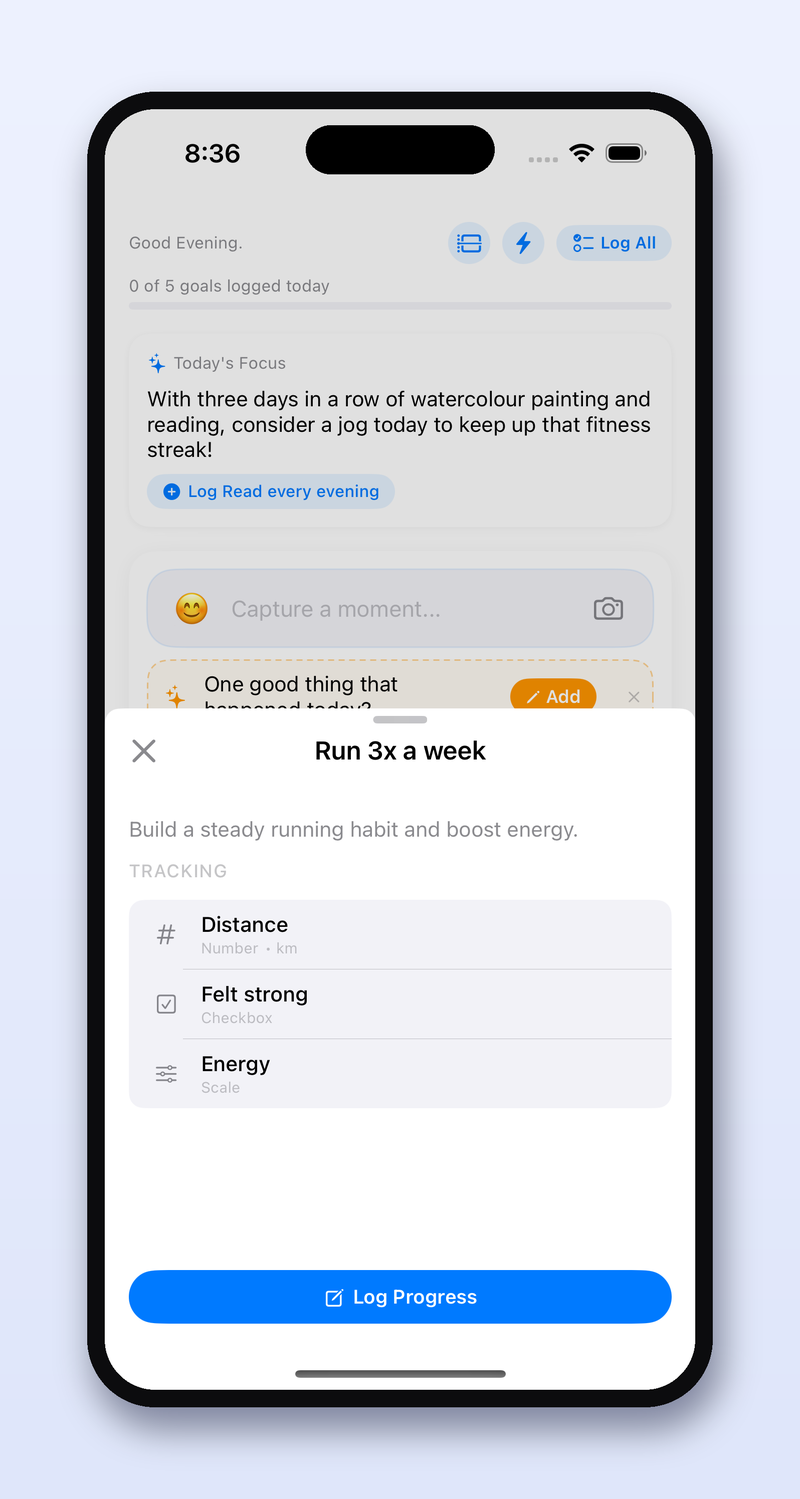
Real goals evolve. Three months into "get fit," you might care less about workout minutes and more about how you feel the next day — but most trackers lock you into the fields you picked on day one.
As you log, UpLift Me notices what you're already writing in your notes and suggests new fields worth tracking formally — so your setup keeps pace with what you actually care about, instead of freezing on day one.
Your tracker stays useful for the entire life of a long goal, not just the first two enthusiastic weeks.
None of this happens in isolation.
Every piece feeds the next one, every single day.
You log a few seconds of data
A number, a note, a quick check-in — whatever your goal actually needs.
UpLift Me reads the pattern
Your streak, your trend, what changed since yesterday — quietly, in the background.
You get something worth reading
A nudge, a weekly summary, a Goal Health update — specific to your actual week.
The complete feature list.
Fifteen areas, one app. AI-marked items are on Boost & Soar — everything else is available on every plan, including Free.
Getting Started
Describe a goal and let AI build the plan, or start from a template — then log with your voice, a sentence, or one tap.
Home Dashboard
Your day in one screen — a progress bar, Up Next cards for unlogged goals, and a time-ordered timeline you can drag to reschedule.
Analytics
A Goal Health grid, a 3-month activity heatmap, and custom charts for any goal — line, bar, streak, or summary.
AI Coach
Turns a one-sentence goal into a full plan, writes your Weekly Summary, and adjusts your plan by chat.
Boost & SoarQuick Log
Type or say "ran 5k and drank 8 glasses of water" — it figures out which goals it belongs to and fills every field.
Boost & SoarTemplates
Ready-made blueprints across Fitness, Health, Learning, Finance, and Creativity, each with fields already set up.
Custom Fields
16+ field types — numbers, checkboxes, ratings, dropdowns, dates, timers, photos, files, even GPS locations.
Apple Health
Connect once to auto-read steps, sleep, and activity — health goals get pre-fill suggestions from real data.
Reports
Download a detailed PDF of goals, charts, and mood trends — worth sharing with a coach or just keeping.
Boost & SoarOffline Mode
Goals and logs save on-device first — changes queue while you're offline and sync the moment you're back.
Settings
Reminders per goal with smart "Optimize" timing, light/dark mode, 9 accent colors, and 3 languages.
Voice Input
Tap the microphone anywhere — logging, notes, AI chat — and speak instead of type. Long transcripts get tidied up automatically.
Timeline
A time-ordered agenda of today's goals and calendar events — drag any goal to reschedule it right on the timeline.
Mood Tracking
Log a mood with every entry — after 14+ entries, see how it actually correlates with what you're tracking.
Charts
Build line, bar, streak, or summary charts for any goal — or ask the AI Coach to build one for you. Updates in real time.
See it work on your own goal.
UpLift Me is available now. Download it and start turning your goals into everyday progress.